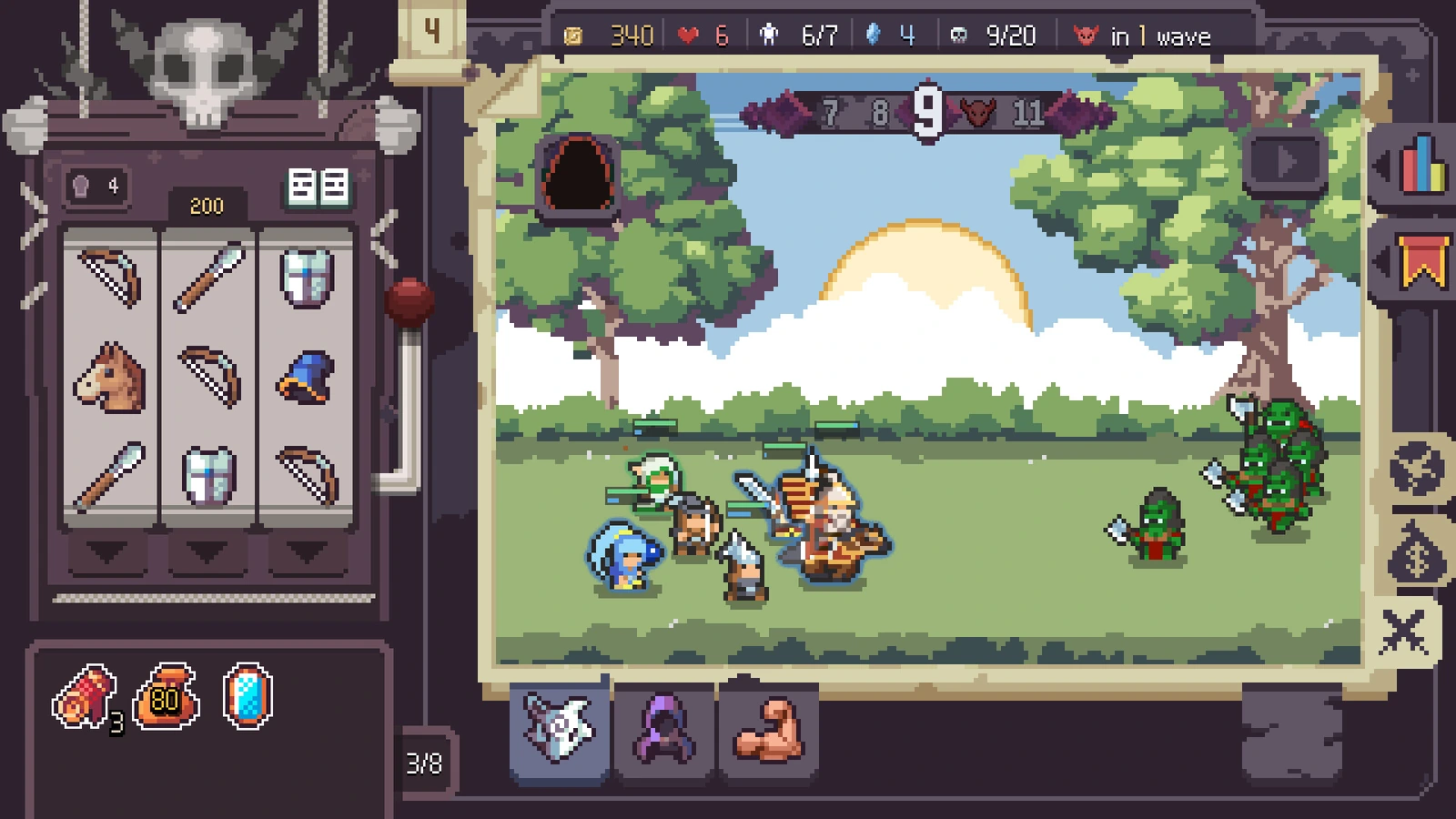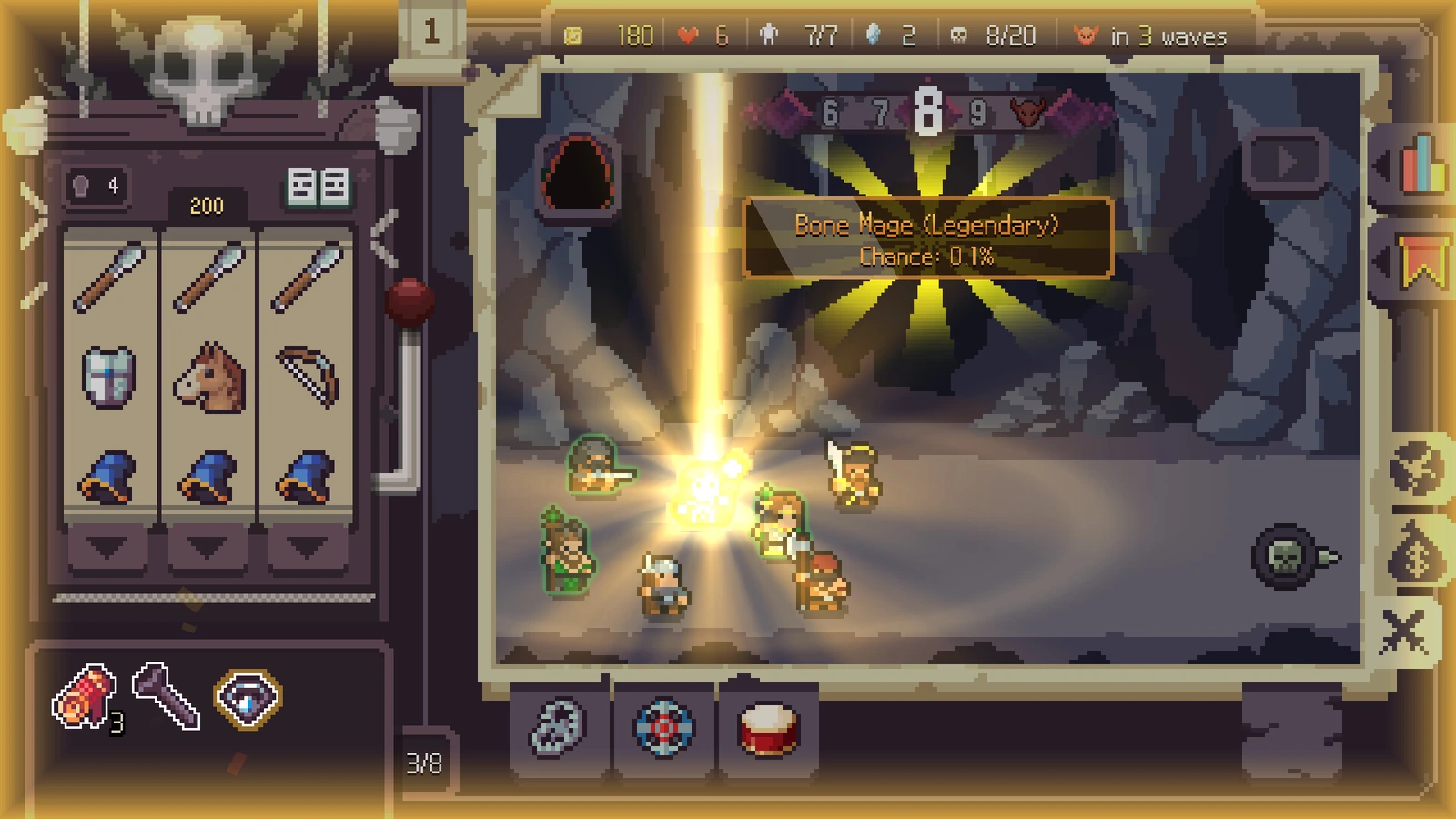

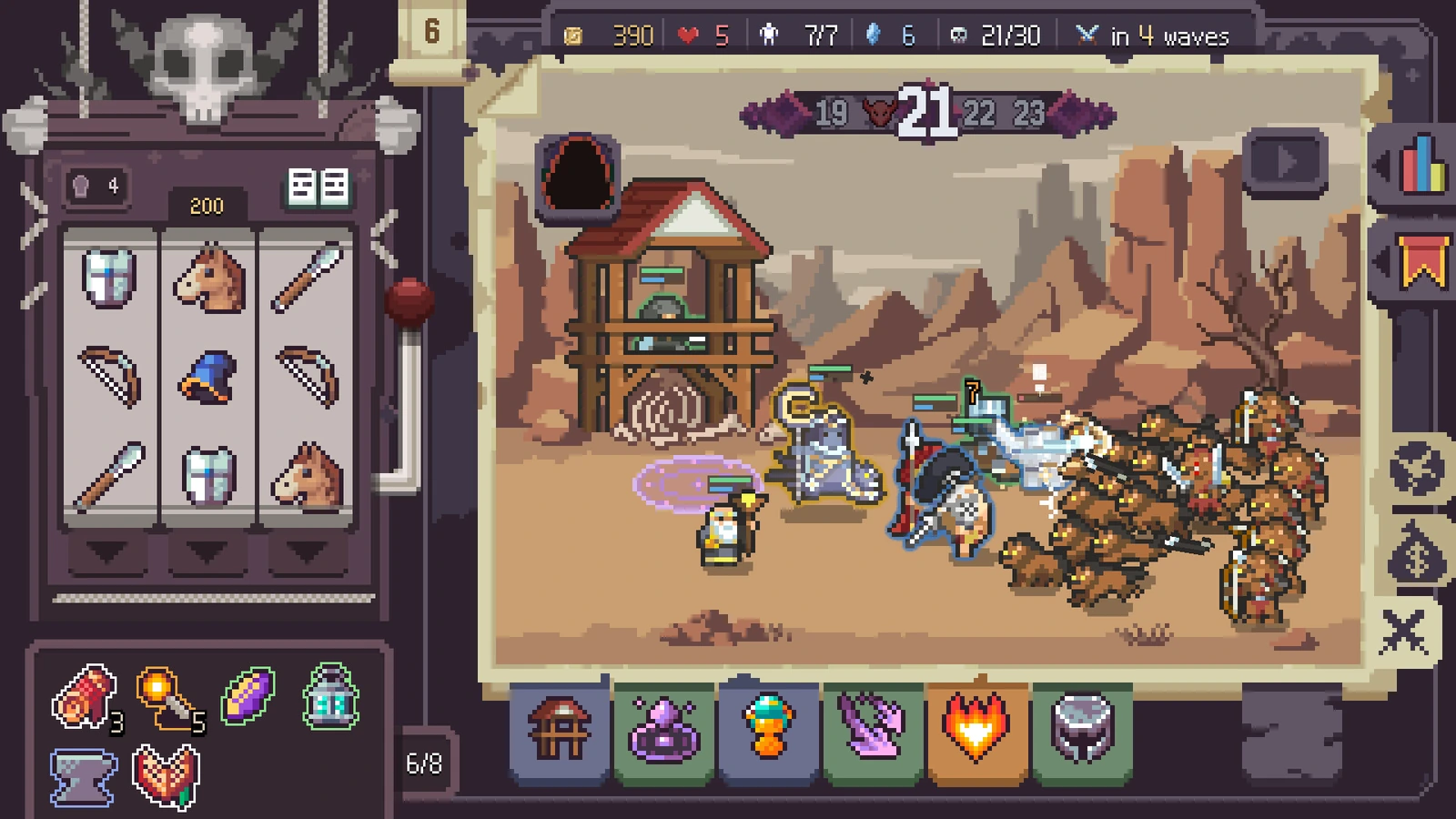
Begin with the system that 0.4 introduced
Faction Synergy enters the official 0.4.0 notes as a beta system. That matters when comparing a current run with older July guides: a pre-system build description is not a complete account of your current army choices. Begin with the faction indicator and the unit information shown by your own demo.
A faction can connect several units, but connection is not the same as automatic superiority. The team still needs damage, survival and useful targeting. A unit that adds a threshold while contributing nothing else may cost more than the additional synergy is worth in that moment.
Missing faction options: inspect permanent upgrades
In the developer’s reply to a missing-faction question, the relevant system is the meta upgrade. A player in that discussion points to the lower part of the permanent tree and describes inspecting the first promotion after buying the upgrade. The developer establishes the system; the location and timing detail are the player’s report.
Read the node’s current description, prerequisites and purchase state. If you are unsure whether it is already owned, resolve that uncertainty before treating the feature as broken. Reinstalling a working demo does not answer whether a permanent option has been purchased.
For Forest, count diversity rather than bodies
The recorded Forest tooltip counts different unit types. A second copy of a type you already have is therefore not automatically another type toward the next threshold. Inspect the current counter instead of counting portraits, especially after a promotion changes what a recipient is called.
The observed army uses several different Forest classes, including High Elf, Elf Cavalry, Elf Knight and Elf Infantry. That is a useful illustration of a connected team, not a mandatory shopping list. Build from the eligible types that actually appear and compare their roles before keeping them.
Read the trigger as carefully as the threshold
In the recorded Forest tooltip, the recovery happens the first time a Forest unit reaches half health or lower during a battle. The shown different-type tiers are two, four and six, with a larger recovery at each. It is a conditional safety layer, not continuous healing simply because the faction label is present.
That changes the pre-fight check. The ally must be eligible for the effect, and the condition has to occur. Do not budget that one-time recovery as a replacement for positioning, damage output or every other form of support. Another faction must be read from its own tooltip rather than inheriting Forest’s rules.
Choose between another type and a stronger recipient
When the next offered unit would add a distinct type, compare the upcoming threshold with the upgrade you could give a recipient instead. A near threshold can be attractive, but the rest of the army must still make use of the time that recovery buys. Feeding away the damage source to complete a defensive picture can leave the fight unfinished.
Use an explicit question: will this type help the army now, or am I keeping it only for a distant number? If the answer is only the future threshold, check whether the present army can safely reach the next opportunity first.
Keep support targets, not just a faction badge
A Forest team can also be a useful setting for Ringmaster’s cooldown support because several retained allies can have skills worth accelerating. That is a reason to keep compatible contributors when making donors, not a promise that every Forest-plus-Ringmaster arrangement wins.
Before a boss, inspect who can receive the support and whether the intended skills reach their targets. After a loss, separate a missing faction threshold from a missing damage or range connection. Each points to a different improvement, and copying more identical Forest units may solve none of them.
RECORDED FOREST TOOLTIP
Count different types.
The source describes a recovery trigger the first time a Forest unit reaches 50% HP or less in a battle. These are recorded reference values, not a complete faction table.
THE NEXT USEFUL CHECK
Before the next choice.
Page-only preparation checks. Reloading clears these ticks.QUICK ANSWERS
One more useful detail.
Do four copies of one Forest unit count as four different types?
The cited Forest tooltip counts different types, so identical copies alone do not establish that threshold.
Does Advanced Research automatically unlock faction choices?
The sources describe separate concerns. Faction access points to its own meta-upgrade; Advanced Research addresses advanced-unit availability.
THE SOURCE DESK / DEMO 0.4.1 CONTEXT
The reference behind
the next decision.
The publisher establishes the demo systems and updates. Detailed unit and effect examples are attributed 0.4-era observations. Our build plans and tier letters are editorial learning advice, with no claimed playtest or damage benchmark.
Open the references and their scope
- PublisherDemo 0.4.0 — The Jester Arrives ↗
Jester, Deep Cave through Normal, faction beta, Awakening, item rework, controls and planned Early Access.
- Developer + player repliesDeveloper and player replies — missing faction choices ↗
The developer points to meta upgrades; a player describes the lower tree and first-promotion check.
- Independent guideSlotbound Hub — faction unlock and Forest tooltip ↗
Forest distinct-type thresholds and an attribution boundary between developer and player advice.
- Player recordingDabble — Jester and Ringmaster playthrough, 9 October 2026 ↗
A developed-character 0.4-era Open Forest Hard run. Exact running build not visible; observations are not a fresh-save test or guaranteed result.