
Cobalt Games / Game desk
BROWSER FIELD NOTES
Azeroth Survivors
Get the browser ready, then work through the loading message you actually see.
Open the original project ↗This is an independent guide desk. The game opens on its own host.
Azeroth Survivors
Azeroth Survivors not loading? Start with the browser.
Separate a browser compatibility problem from a loading problem before changing anything.
Read guide →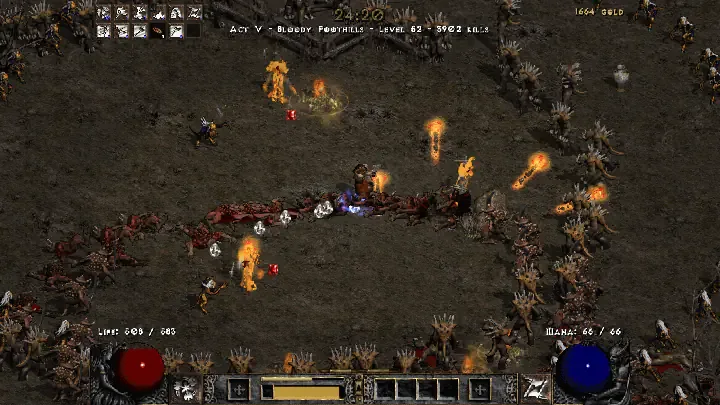
Survivors field notes
Azeroth Survivors or D2 Survivors: start with the setup.
Choose your first project by the setup you can actually complete today.
Read guide →Before changing your setup
Identify the exact project and the error or menu in front of you. Keep the original environment available while testing a change. A different website, browser profile or game mode should be treated as a separate environment until the project documents otherwise.
These notes concentrate on setup and troubleshooting. For current game mechanics, follow the primary sources linked from each guide. Source review and hands-on gameplay testing are different things; our initial notes are documentation-based.
Check this browser →