
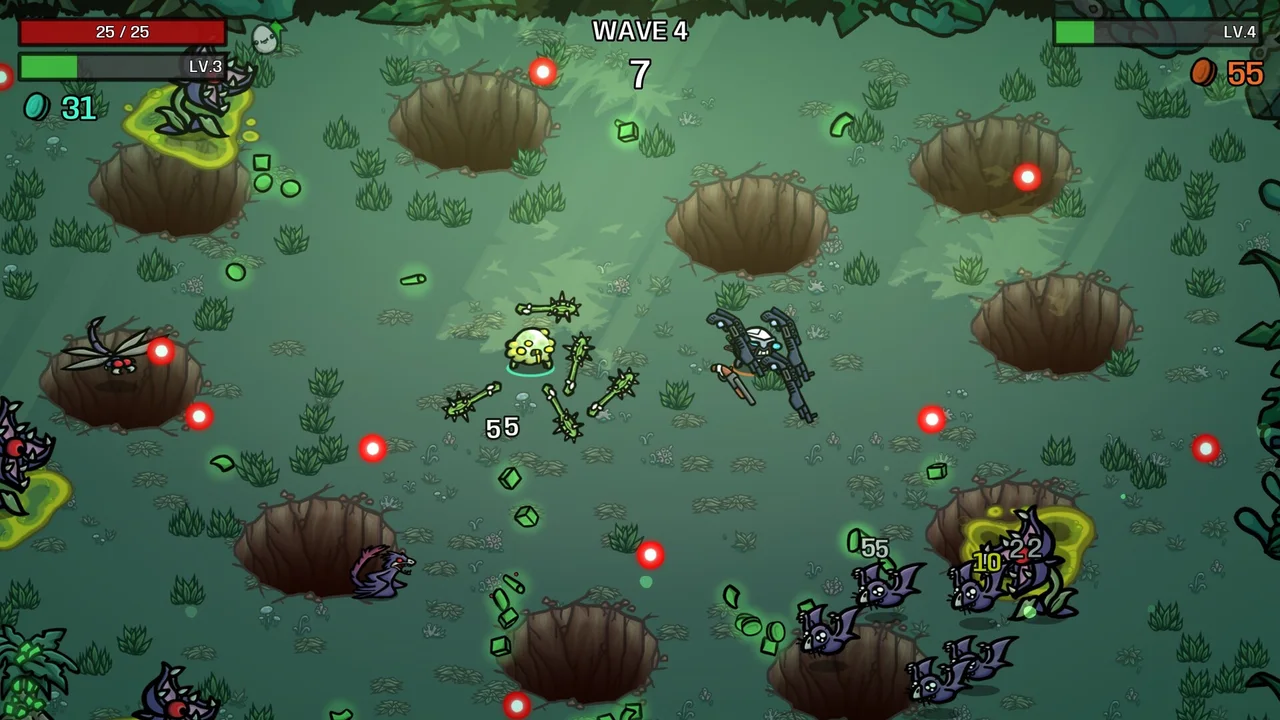
What is confirmed, and what still needs the game
The official Primal Dread listing confirms additional characters, while the reviewed developer reveal names the Poacher. It does not provide a complete launch roster or the individual conditions needed to unlock everyone. This page therefore gives you a usable session checklist and a verified reveal card, rather than presenting guessed tasks as a complete database.
Start with the character screen in the released build. Read the exact condition for a locked entry and record it in your own words. Keep its scope intact: a condition involving a particular map, character or run state is not interchangeable with a similar achievement you remember from the base game.
Choose one objective you can recognize
A good session objective has a clear completion signal. “Try the new characters” is broad; “read one locked character’s condition, make a compatible setup and check the result afterward” is a task you can carry out. It also prevents you from changing goals halfway through a run and later wondering which requirement you were trying to satisfy.
When choosing between several tasks, prefer one you can explain without relying on an unconfirmed interaction. If a condition contains an unfamiliar term, resolve that term first. Taking a few minutes to understand the screen is usually more useful than repeatedly attempting a route whose requirements you have only partly read.
Build a small objective card
| Record | Why it matters |
|---|---|
| The exact locked entry and condition | Keeps similar unlocks from being confused. |
| Required map, character or other restriction shown | Prevents a valid effort in the wrong context. |
| Your intended setup | Lets you check whether the plan can perform the task. |
| The completion signal you will inspect | Makes the post-run check meaningful. |
This does not require a spreadsheet. A short note or a screenshot of the panel can be enough. Keep the game version with the record if a later patch changes a condition or corrects a display issue.
Give the run a route, not several competing jobs
Before starting, ask whether the setup supports your chosen objective in a straightforward way. A plan built around an unrelated high-risk experiment may make an otherwise simple unlock harder to evaluate. Keep optional experiments separate until you understand the requirement and can tell whether you are making progress.
During the run, resist converting every interesting shop offer into a new goal. You can still adapt the build, but the adaptation should serve the objective or keep the attempt viable. If an offer tempts you into a different project, note it for another session instead of abandoning the current task without realizing it.
Verify the result before repeating the attempt
After the run, revisit the relevant panel. If the entry remains locked, compare the actual requirement with what happened. Look first for a missed qualifier, a different map, or an objective that was nearly completed but never reached. Do not immediately assume the game is broken or that an old guide’s interpretation overrides the current text.
When a genuine mismatch remains, preserve the version and a concise description for a bug report. Avoid repeatedly spending time on the same unclear attempt without learning anything new. A useful failed session narrows the question; an identical repetition based on the same guess does not.
The checklist on this page is temporary and device-local. It tracks preparation steps, not your Steam achievements or save file. Reset it when you choose the next objective, and use the released game as the authority for whether the character is actually available.
BEFORE THE NEXT WAVE
Pack one good plan.
0 / 5 steps checked
A FEW USEFUL ANSWERS
Before you go.
Is this the complete Primal Dread unlock database?
No. Exact launch conditions were not available in the reviewed official material. This is a practical checklist, with the confirmed Poacher reveal clearly separated.
Does ticking a box unlock a character?
No. These boxes only organize your session. They do not connect to Steam, modify a save or read the game.
Why not copy a base-game unlock route?
A familiar condition may differ in the new content. Verify the actual entry before assuming another character’s route applies.
SOURCE REVIEW / 2 NOVEMBER 2026
Source notes.
Source review, before unlock. Officially announced systems, with our original planning advice. Exact launch values and unlock tasks await the released game.
- Primal Dread — official Steam listing ↗Publisher content outline, base-game requirement and launch date.
- Developer: release timing and the Poacher — 30 October ↗Poacher reveal and the release window across time zones.
- Brotato — official base-game reference ↗The underlying run, weapon and shop structure; not a DLC balance reference.