Inside this field note +
Write a brief before a floor plan
Choose two or three jobs for the next building session. You might want a comfortable cooking corner, a clearer entrance or somewhere to display favourite finds. Those jobs give the room a purpose. Without them, adding another storey can simply move the same awkward circulation problem upstairs.
Walk through the existing space before placing more pieces. Notice where you turn back, where furniture interrupts a route and which activity you visit repeatedly. Our recommendation is to solve one of those points first. A cottage should be easy to inhabit at its current size, with room for later discoveries rather than an obligation to fill every surface.
Choose whether the house should stay
Hotfix 2 adds two chair choices, “Stay here” and “Roam free.” Staying prevents the hut from wandering by itself. Calling it still brings it to you, after which it rests where it arrived. Older saves default to roaming, so a returning player should inspect the chair before assuming an established home will remain where it was left.
For a building session, this makes the chair a useful first check. Set the behaviour you want, then work on the layout. When the next session is about wandering, reconsider the setting deliberately. It is a behaviour choice, not a claim that the surrounding landscape becomes your permanent property.
Refine one section before repeating it
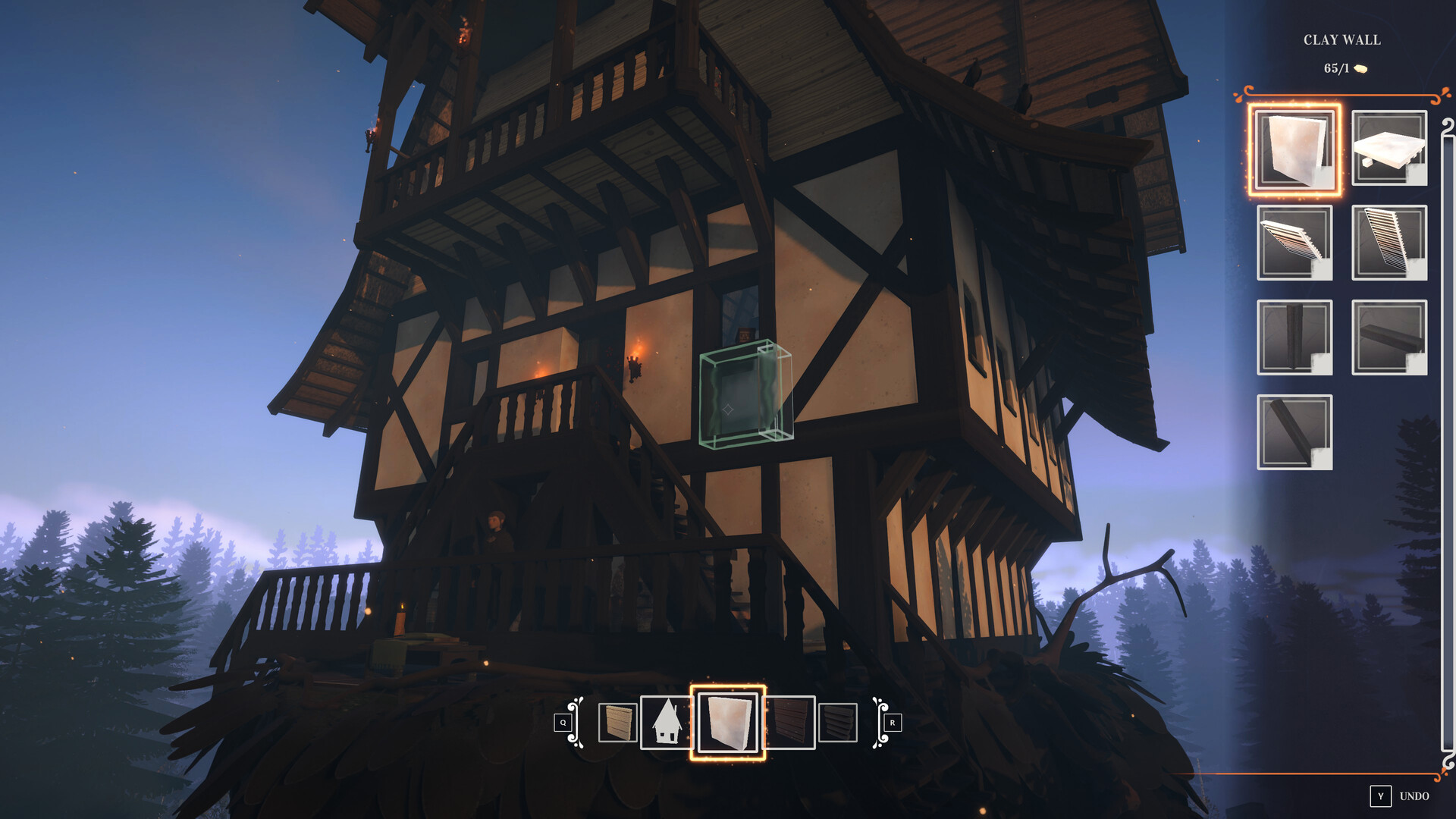
The 1.0 building update adds grouped placement and deletion, a rotation compass, improved snapping and roofing, plus more material choices. Start with one representative wall or corner and inspect it from inside and outside. Once that section works, repeating it is more purposeful than filling a large footprint and discovering the same alignment problem everywhere.
Use the preview to understand the piece before committing. After a large change, take another short walk through the room. An attractive exterior is only half the result if the entrance, stairs or daily activity area becomes difficult to use.
TRY THIS NEXT · AN EDITORIAL PRACTICE
Live in the room before enlarging it
Notice
Walk from the entrance to an activity area you use often.
Try
Move one obstruction or refine one awkward corner.
Remember
Keep the change that makes the ordinary route clearer.
Use the Saw for an intersection problem
The October patch introduced the Saw, also called the Cut Manager, for controlling how intersecting building parts behave. The developer’s examples concern unwanted snapping and cuts where a roof meets a wall. That makes it a refinement tool: first identify the specific join that looks wrong, then inspect how that intersection is being handled.
Avoid changing several nearby joins at once while learning the tool. Compare one adjustment from both viewpoints and keep it when it solves the intended problem. Our suggested working order is structure, joins, roof and then clutter. It is an editorial workflow, not a required quest sequence.
Remember that wood also feeds the oven
The material reference gives wood both a building role and a fuel role. It also places reliable tree gathering behind the forest-blessing progression, with scavenged material as another source. If your next outing includes cooking, consuming the whole reserve on decoration can create a new errand before the meal is even prepared.
Keep a practical reserve based on what you intend to do next. We do not prescribe a universal number of planks, a copied room cost or an optimal house size. Record the desired change, the material you currently hold and the job you are willing to postpone if supplies are short.
Finish by living in the room
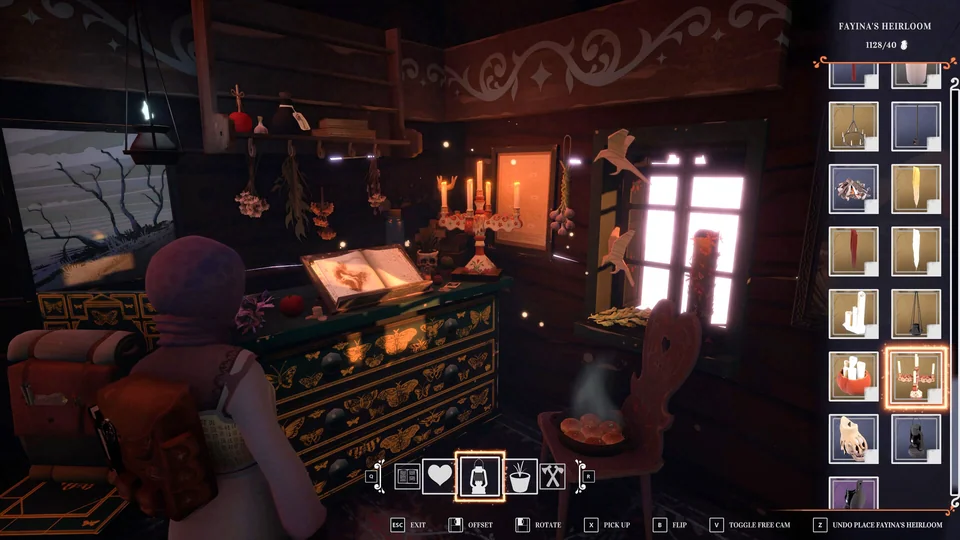
Before calling the session done, put the building view aside and use the space normally. Enter, reach the activity areas and inspect a corner in the lighting you prefer. A furnishing that photographs well might still block a familiar path. Move the object that causes the problem rather than rebuilding the whole room to protect a screenshot.
Keep one small future improvement in the journal, and let the rest wait. Your house can develop alongside the journey. The next useful decoration may come from an encounter you have not reached yet, and leaving a little space can be part of the design.
THE COTTAGE WORKSHOP
Planning sketch · original editorial diagram
A ROOM, THEN A RELATIONSHIP
Build the idea
before the size.
Start with a room you can understand.
Choose the footprint and the route through it. Place a small representative section before extending the idea across the house.
Read the related workshop note ↗Ask which neighbour is changing the result.
Use the Saw/Cut Manager for a specific intersection problem. Compare one change from outside and inside before repeating it.
Read the related workshop note ↗Finish by living in the room.
Put building aside and walk to the activity areas. Keep oven fuel, movement and one next improvement in the plan.
Read the related workshop note ↗Structure, joins and room use are separate checks.
FOLD INTO YOUR POCKET
Before the next outing.
- Choose one room problem to solve.
- Check Stay here or Roam free at the chair.
- Inspect a sample section before repeating it.
- Use the Saw for a specific intersection.
- Keep oven fuel in the material plan.
- Walk the finished route outside build mode.
A FEW SMALL ANSWERS
Questions by the hearth.
Why does my hut keep wandering?+
The29October Hotfix 2 adds Stay here and Roam free at the chair. Older saves default to roaming; calling the hut remains available while it is set to stay.
Does this give a maximum-size blueprint?+
No. The guide focuses on placement and useful circulation, without inventing part costs or a guaranteed performance limit.
Where is the Saw useful?+
Its documented purpose is to control how intersecting pieces snap or cut. Identify a problematic join before adjusting several pieces.
Where these notes began.
Named mechanics follow the reviewed sources. Our exercises, planning diagrams and working order are editorial guidance. Current developer notes take priority over stale release labels; no completed Cobalt playthrough is claimed.
- Emberstorm — REKA 1.0 is now live ↗26 October 2026: completed story, building improvements and autosaving.
- Emberstorm — October building patch ↗8 October 2026: Saw/Cut Manager and building preview changes.
- Emberstorm — Hotfix 2 ↗29 October 2026: build 1.0.25.afc5b3; hut chair options and progression fixes.
- Community REKA Wiki — Wood ↗Building/fuel uses, scavenging and the forest-blessing gate.